What the LADBS Permit Search Reveals About a Property (And What It Doesn’t)
Searching for a home’s history often requires looking past the glossy photos on a real estate app. While marketing descriptions focus on aesthetic appeal, the LADBS permit search reveals the structural reality hidden behind the fresh paint. This database acts as the ultimate truth serum for Los Angeles residential property records, separating verified upgrades from potentially risky DIY projects.
Think of a building permit as a permanent “digital receipt” for construction work. If a seller claims they recently upgraded the electrical wiring but the city has no record of the inspection, the transaction is effectively invisible to the law. In practice, missing documentation often means the “new” master suite you are paying for is legally just a storage closet.
Uncovering these discrepancies safeguards your financial future against expensive surprises. Rather than relying solely on a seller’s word, reviewing the property permit history allows you to verify that the physical house matches the legal description on file. With a few clicks, you can ensure you aren’t buying someone else’s expensive mistake.
How to Use the LADBS Search Without Getting Lost
Navigating the LADBS online records system tutorial pages can sometimes feel like stepping back into the internet of 1999. While the interface looks dated, it holds the “digital receipts” for every legal change made to a property over the last several decades. To find the truth about a renovation, you have to know exactly how to query the database, because unlike Google, this search engine won’t guess what you mean if you make a typo.
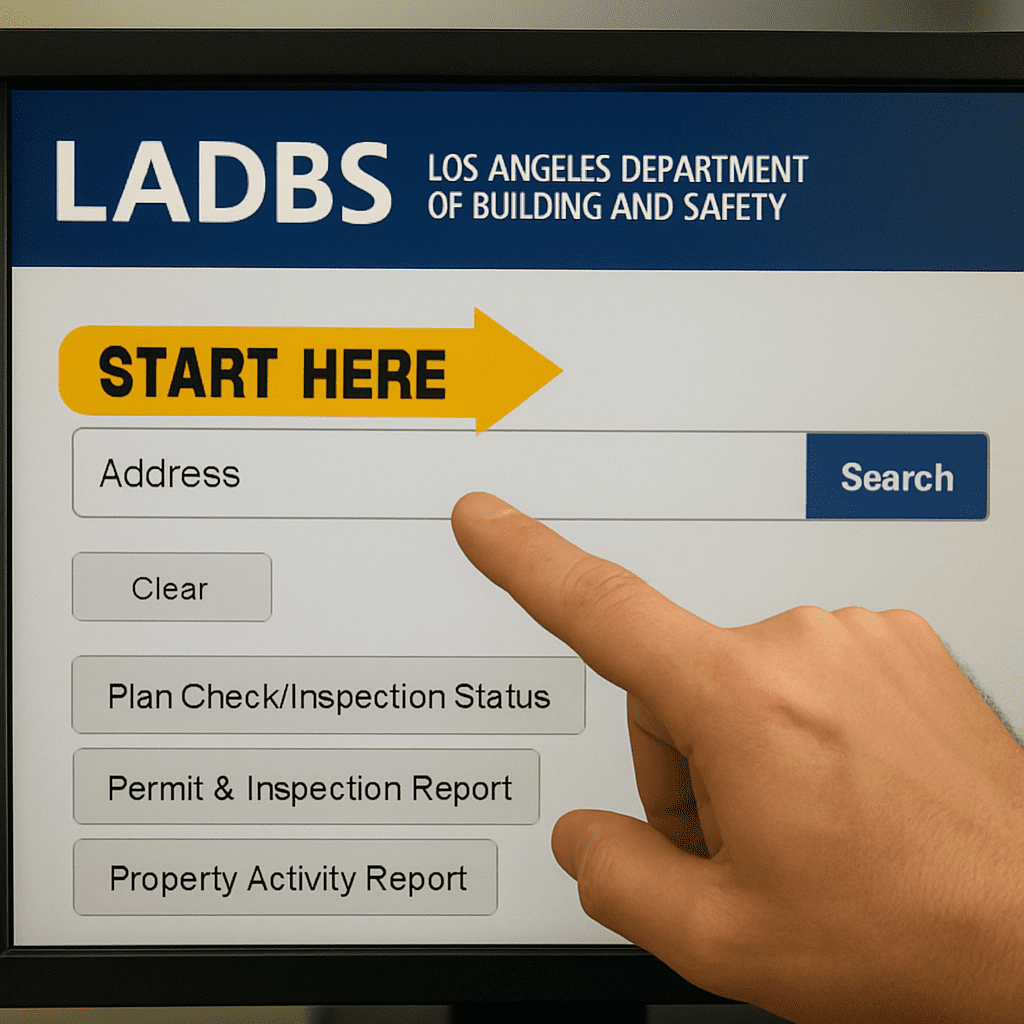
Most users hit a dead end simply because they are too specific. If you enter “123 N. Main St.” and the city clerk originally typed “123 North Main Street” twenty years ago, the system may return zero results. The golden rule for learning how to find property permit history in Los Angeles is to use partial matching to cast a wider net.
Follow these steps for an effective search:
- Enter the bare minimum: Type just the house number and the street name (e.g., “123 Main”). Leave off “Street,” “Ave,” or directionals like “N” or “W” initially.
- Watch for ranges: Permits for larger lots or condos are often filed under an address range (like 123-125 Main). If your specific number comes up empty, search only the street name to scan the block.
- Prioritize “Building” records: In the results column, “Bldg-New” or “Bldg-Alter/Repair” represent major structural changes. “Electrical” or “Plumbing” permits are important, but they usually support the main building permit.
Once you hit search on the ladbs permit lookup tool, you will see a chronological list of records. You might see a mix of modern digital entries and older historical scans. Don’t worry about the file format; focus on the Permit Type to ensure the major structural work is listed. However, finding the record is only step one; you next need to determine if that permit was actually closed out or left in limbo.
Decoding Permit Status: Why ‘Issued’ Isn’t a Green Light
Finding a record in the database often feels like a victory, but simply locating a file is often a false positive. Many buyers make the mistake of assuming that seeing a permit listed means the renovation is legal and safe, yet interpreting LADBS building permit status correctly requires looking past the existence of the file to see if the city actually approved the finished work. An “Issued” status merely means the owner paid the fees to start construction; it does not prove that an inspector ever returned to verify the job was done to code.
To quickly assess the health of a property’s records, visualize the status column as a traffic light system:
- Green (Finaled): The gold standard. The inspector visited, checked the work, and signed off. The project is legally closed.
- Yellow (Issued): Proceed with caution. Work may be ongoing, or the owner might have “ghosted” the project halfway through.
- Red (Expired): One of the biggest red flags in property permit history. The time limit ran out without a final inspection, leaving the project in legal limbo.
Leaving a permit open might seem harmless, but it transfers liability directly to the new owner. If you buy a home with an “Expired” kitchen remodel permit, you become responsible for reopening that permit, paying new fees, and fixing any outstanding building code violations an inspector finds today—even if the work was done ten years ago. Once you have confirmed the individual permits are finaled, your next step is to verify the property’s overall identity through the Certificate of Occupancy.
How to Verify Legal Property Use via the Certificate of Occupancy
While permit history tracks renovations, the Certificate of Occupancy (C of O) acts as the property’s birth certificate. This document establishes the legal baseline for the land, regardless of real estate marketing claims. A Certificate of Occupancy search Los Angeles verifies the home’s “DNA,” confirming if the city recognizes it as a single-family residence or a multi-unit duplex.
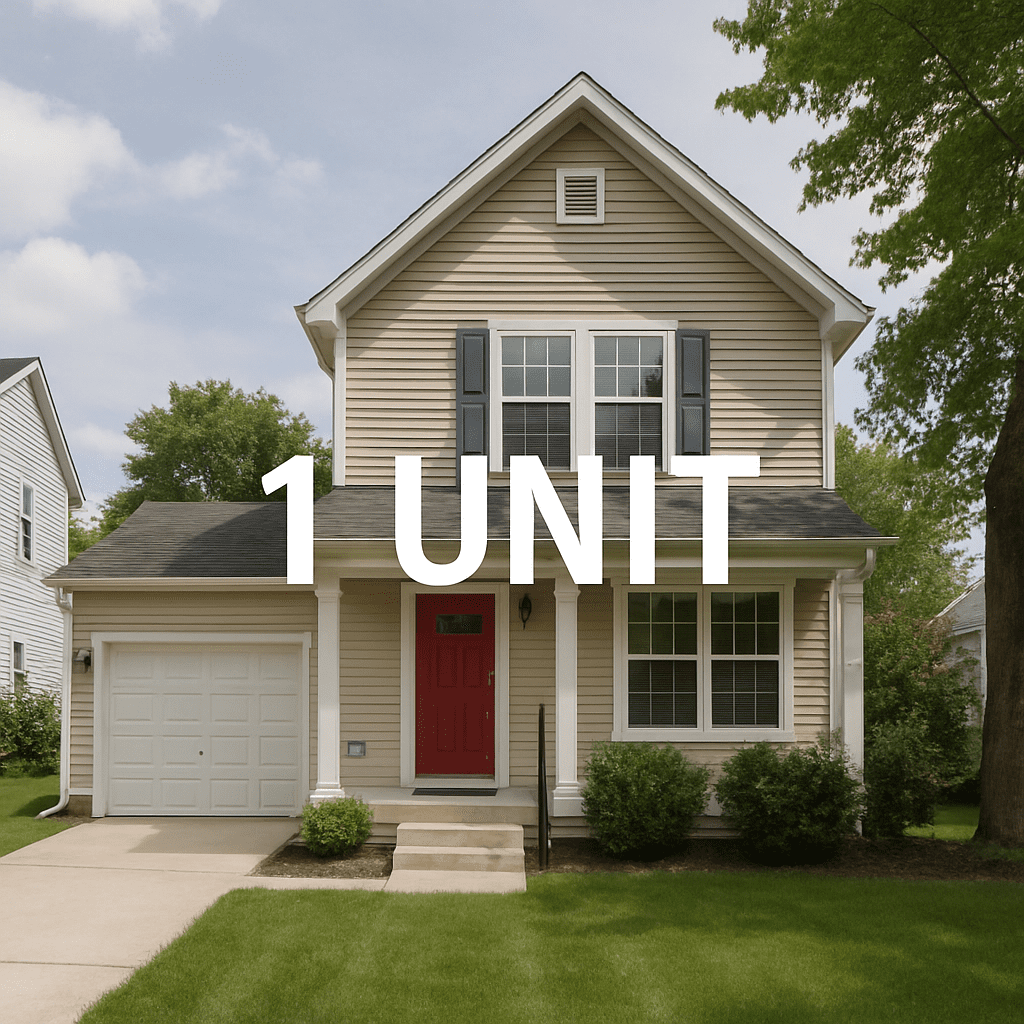
Discrepancies often appear in “bonus” spaces. You might walk through a detached “guest house” with a full kitchen, but the C of O might only list a “recreation room.” Determining legal use of property Los Angeles relies on strict definitions; a simple rec room cannot legally contain a stove. If the document doesn’t explicitly state “Second Dwelling Unit” or “ADU,” that potential rental income is actually a liability waiting for a citation.
Finding this record usually requires scrolling to the oldest entry in the LADBS results list. It serves as the anchor for identifying unpermitted work on property by offering a comparison point for the current layout. If the certificate describes a two-bedroom structure but you are touring a four-bedroom house with no subsequent permits, you have found a major red flag.
However, the database only reflects reported activity. A clean C of O cannot reveal construction done in total secrecy, revealing the invisible gaps in the digital record.
The ‘Invisible’ Problem: What the Online Portal Doesn’t Show You
Relying solely on a digital search can create a false sense of security. A “No Records Found” result for a modern-looking home built in the 1920s usually implies that renovations were done illegally rather than professionally. The limitations of LADBS online permit portal stem from its nature as a specific archive; it only displays what owners voluntarily reported. If a previous owner modernized the electrical panel or removed a wall without filing paperwork, the database remains silent while the safety risk remains real.
Think of the permit history as a timeline that only updates when someone invites the city to look. Hidden property issues not in permit records are common because “weekend warrior” renovations happen under the radar. A glossy new bathroom added last Saturday won’t appear on the site unless a neighbor reports it, leaving you liable for unpermitted work the moment you take title.
Moreover, Building and Safety does not track every aspect of local real estate law. The building permit database specifically excludes:
- Zoning Violations: Setback encroachments or fence height issues.
- Rent Control Status: RSO protections managed by the Housing Department.
- Pending Complaints: Neighborhood disputes that haven’t escalated to official orders.
To visualize zoning overlays and environmental hazards, you must switch to a different tool entirely.
ZIMAS vs. LADBS: The Two Tools Every Smart Researcher Needs
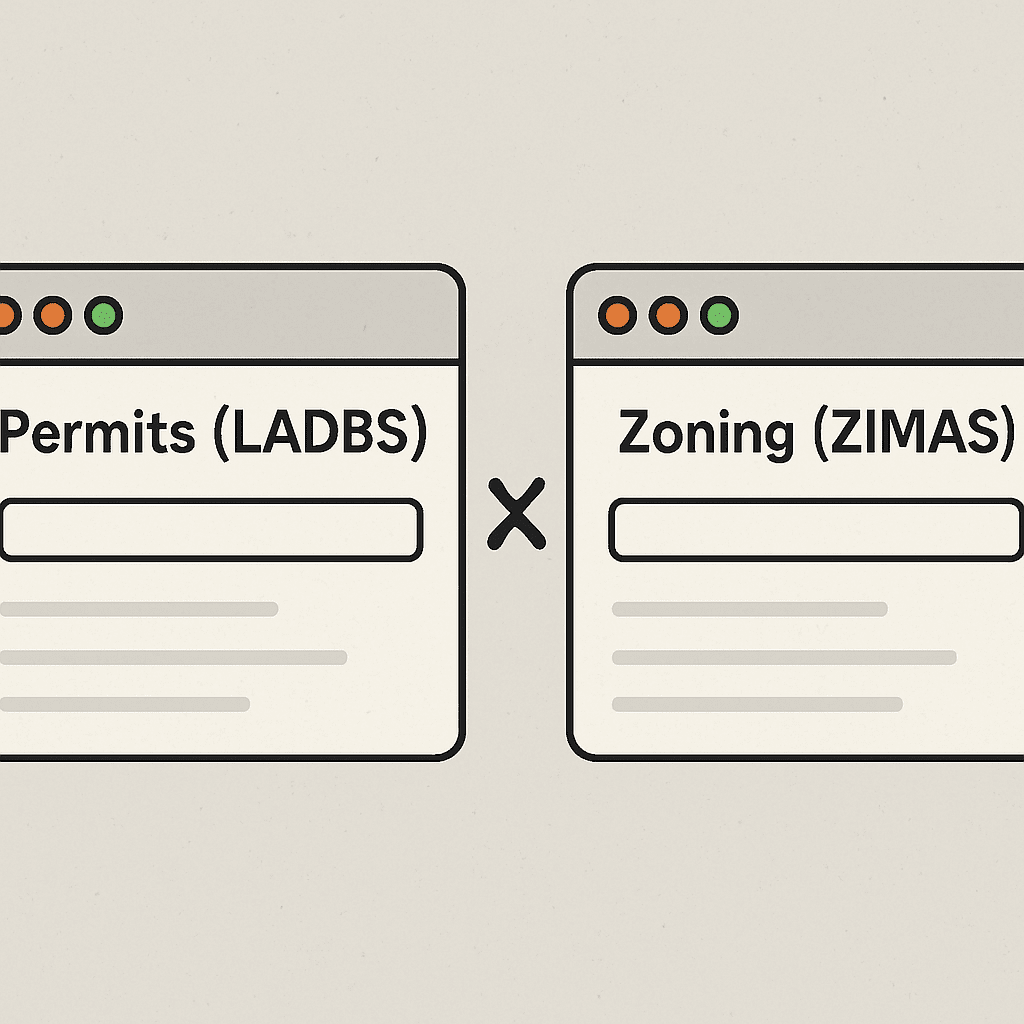
While the permit portal acts as a receipt for construction, ZIMAS functions like the rulebook for the land itself. Effective Los Angeles residential property records research requires consulting both systems. ZIMAS (Zone Information and Map Access System) reveals invisible constraints, such as being in a Liquefaction Zone where soil might fail during an earthquake, which could make future additions financially impossible.
Regulatory overlays are another detail a standard permit search often misses. If a property sits within an HPOZ Los Angeles district, strict preservation rules limit even minor exterior changes like swapping out windows. By comparing ZIMAS vs LADBS permit search results, you confirm not only what work was finished, but whether your future renovation plans are actually legal under current zoning.
These databases provide a powerful snapshot of the modern era, yet they share a blind spot regarding age. Both systems rely on digitized records, meaning paperwork filed before the computer age often sits in a different physical location. This digital gap explains why a 1920s craftsman might have zero online history despite obvious decades of maintenance.
Finding zero results for a 1920s bungalow doesn’t always signal illegal construction; it answers the common question, “why are some LA property permits missing?” The LADBS online portal focuses on the modern era, creating a “digital cut-off” where older paperwork sits strictly on microfilm. While modern renovations appear instantly, the original construction details or additions from decades past often require a manual dig into the city’s physical archives.
To access these deeper layers, you must bypass the standard search bar and request help from the Custodian of Records. This department physically retrieves and scans the original building permit cards, which are crucial for verifying the scope of work on historical permits—like proving that a bedroom added in 1960 was actually approved by the city.
Bridging the divide between archived building records vs online database results requires a few extra steps:
- Locate the “Custodian of Records” section on the LADBS website.
- Submit a formal “Request for Research” form to authorize the search.
- Pay the processing fee to receive emailed PDFs of the scanned microfilm.
With the full history in hand—both digital and analog—you are ready for the final step: your 5-minute audit.
Your 5-Minute Property Audit: A Buyer’s Checklist for LADBS
You are no longer just looking at a house’s curb appeal; you are analyzing its legal reality. With the search skills you now possess, you can verify if a renovation is a true asset or a hidden financial burden. Instead of relying blindly on a seller’s promise, you have the data to drive your decision.
Use this checklist to spot red flags in property permit history immediately:
- Does the physical bedroom count match the online summary?
- Are the square footage numbers identical?
- Do recent renovations lack a “Finaled” status?
- Are there multiple “Expired” permits for the same project?
- Is the garage used as living space without a matching record?
LADBS online records are your starting point, but they require a skeptical eye. If the digital history contradicts the physical house, it is time to hire a private inspector for identifying unpermitted work on property. Ultimately, if the house boasts a master suite but the city says it is a one-bedroom, you are looking at a liability, not an asset.

Jason Somers, President & Founder of Crest Real Estate
With over 15 years of professional experience in the Los Angeles luxury real estate market, Jason Somers has the background, judgement and track record to provide an unparalleled level of real estate services. His widespread knowledge helps clients identify and acquire income producing properties and value-ad development opportunities.
Learn more about Jason Somers or contact us.